Week
$19
for 7 days
- Android 13 or 14 phone, ready in about a minute
- Country, time zone and GPS matched to your city
- Local IP address included, nothing to configure
- No auto-renewal; apps stay for 7 days after the end
Rent an Android phone that stays in the country your accounts belong to, with a local IP address, and open it from any browser.
KYC verified · browser only · cancel anytime
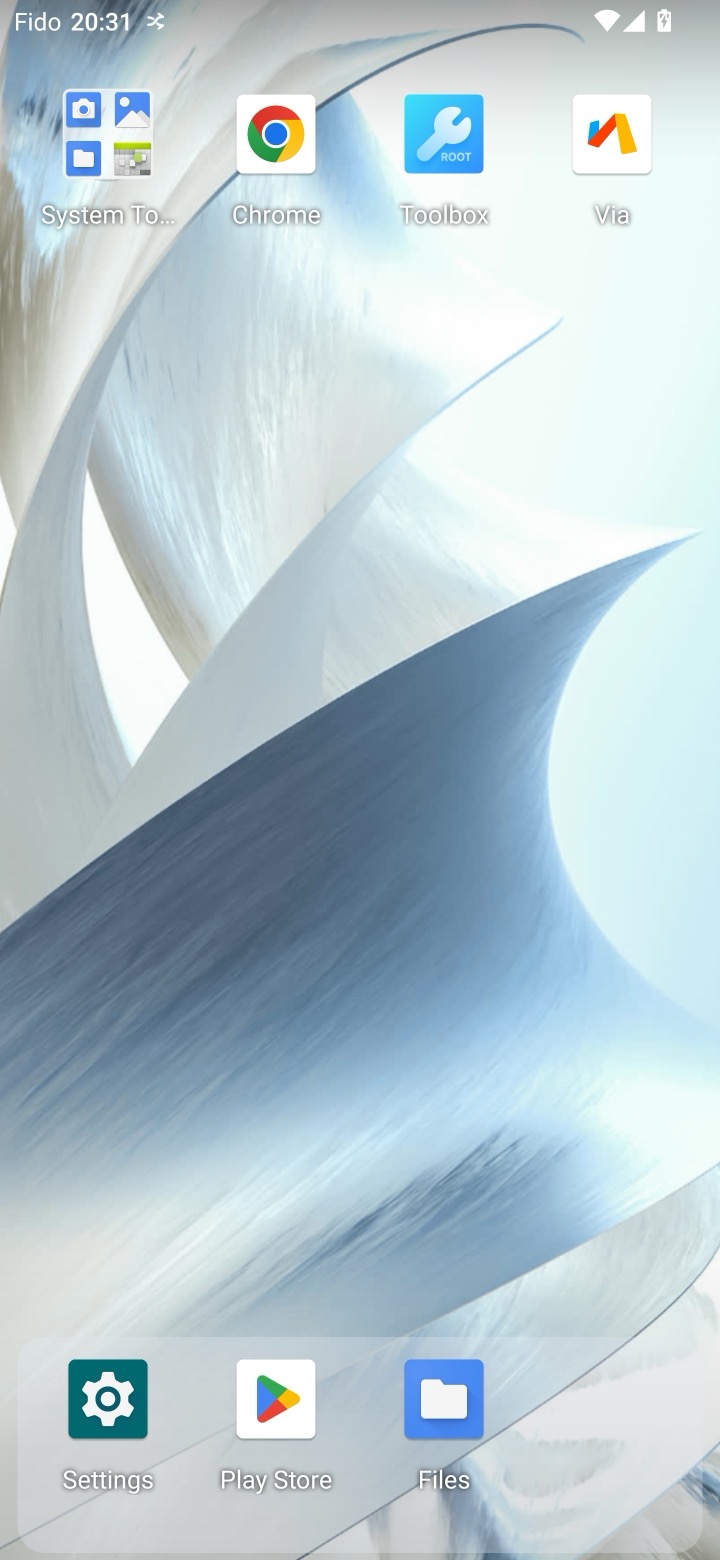
This phone is in Toronto. You are not.
From picking a country to a live screen
Ready to open a device in today
Open your device anytime, from anywhere
We start an Android phone with the time zone, language and GPS location of the city your accounts belong to, such as Toronto, New York, Warsaw or London.
Every phone gets a local IP address matched to the country you picked, fixed to that phone so it never rotates mid-session. No proxy to set up.
The screen streams to any laptop, tablet or phone. Install the apps you need, sign in once, and the phone keeps its history between visits.
Open your app on an Android phone in the country, language and time zone your users have, and check how it behaves for them. These are virtual phones, not physical handsets, so you see how the app runs on our Android 13 or 14 image.
Control it from any browser, with touch and keyboard
Pick the country, language and time zone for each test
Need real hardware? Rent a physical Android handset.
Every phone has a real local IP and GPS position. Choose where yours should be.
CanadaUnited StatesPolandGermanyUnited KingdomSpainFranceItalyNetherlandsAustralia
Rent an Android phone for 7, 14 or 30 days and pick Android 13 or 14 when you order. Your phone keeps its apps, sign-ins and local IP address for the whole rental.
Some apps refuse every virtual phone. For those, rent a real Android handset and control it from your browser the same way.
Network traffic is billed separately at $5 per GB, charged as you use it.
No. Pick the country and city, and we give your Android phone a local IP address matched to that location and fixed to the phone. There is nothing to configure.
Pick a plan, pick a city, and the device is ready in about a minute. Sign in to your accounts once, and the device keeps that state between visits.
Nothing is lost. Apps, sign-ins and history stay exactly as you left them for the next time you open it.
Only for accounts that are already yours, in a country you have a real connection to. Codes still arrive on the phone in your pocket and you type them into the device on screen. Signing in somewhere you were never entitled to be is against every provider's terms, and against ours.
Most apps do. A few run their own location or device checks and refuse any virtual phone, even with a local address: sports-betting apps such as Bet365 or DraftKings (they use GeoComply) and some banking apps. If your app is one of those, it won't work here and we'd rather tell you now. A real handset is the option for them; ask us.
Canada (Toronto, Vancouver, Montreal, Calgary), the United States (New York, Los Angeles, Chicago, Miami), Poland (Warsaw), Germany (Berlin), the United Kingdom (London), Spain (Madrid), France (Paris), Italy (Rome, Milan), the Netherlands (Amsterdam), and Australia (Sydney) today. Each device gets the time zone, language, and address of that city.
No, not by itself. The same IP address stays with your phone for as long as you keep it, so a service you're already signed into never sees a new location. Want a fresh one? There's a Change IP button on the phone's page.
The phone stops and nothing renews on its own. Extend it from the phone card to keep going. A virtual phone keeps its apps and data for 7 days after the end, then they are erased for good; we email you before it ends and again before the erase.
It's a one-time check through Stripe, required before your first device. It keeps the service from being used for fraud, and it's the same step most payment platforms ask for.
Open a request from your dashboard and we'll reply there, or email support@accessto.app directly.
Open Google Play on the phone, sign in with your Google account and install the official app. You can also upload your own APK file. The guide walks through both.
Pick a country, sign in once, and pick up exactly where you left off — every time.
Set up my phone